01
Make the problem familiar
Begin with a frustration your audience recognizes. Show where your product fits without inventing a customer story.
RunUGC / Slideshow creator
Create UGC-style image carousels from your brand brief. Explore hooks, generate slides and captions, then review each creative before you use it.
Made with RunUGC
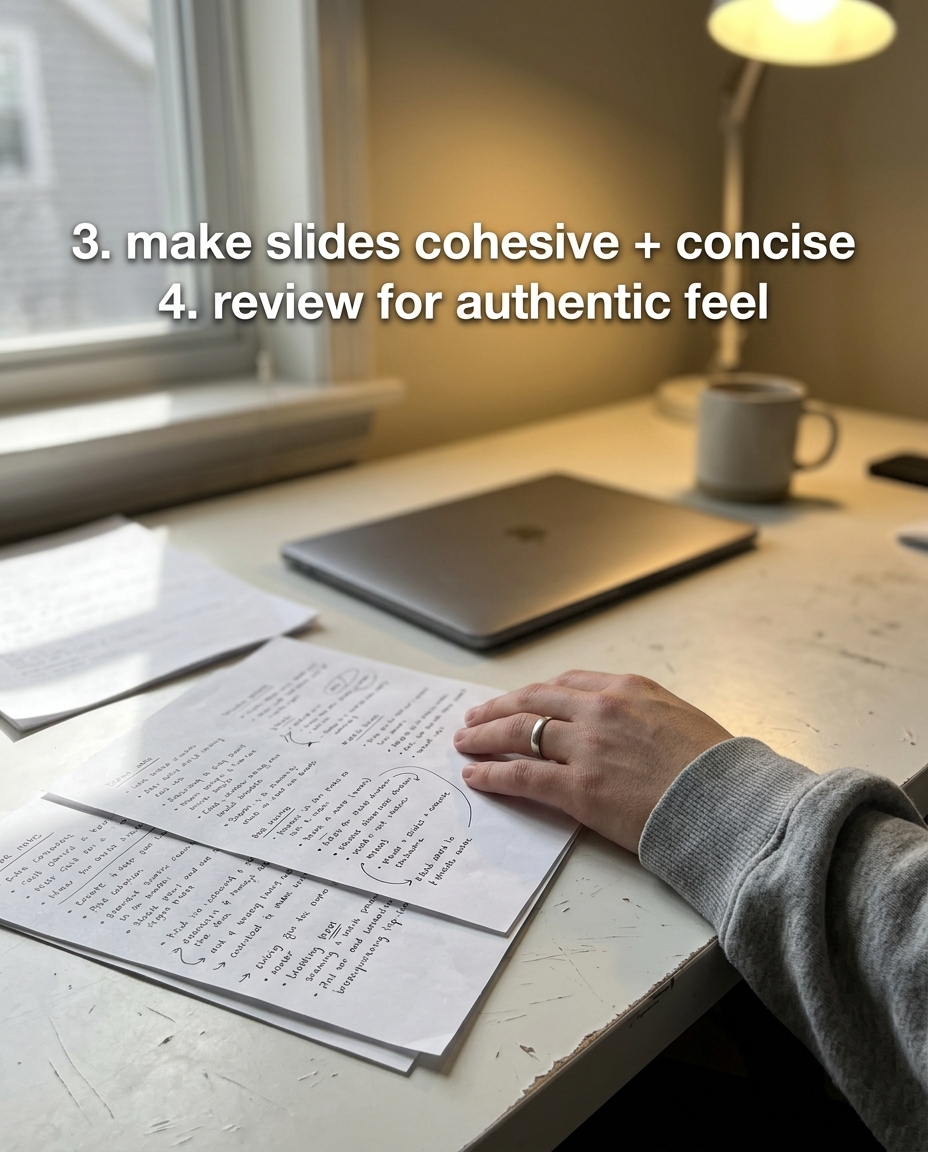
We gave RunUGC a brief about its own carousel workflow and chose the useful-guide angle. These are the four unedited output images from that generation.
First-party product demonstration. The person and setting are AI-generated. This example illustrates output, not a customer endorsement or measured result.



Start with something specific
01
Begin with a frustration your audience recognizes. Show where your product fits without inventing a customer story.
02
Use a short guide to explain a workflow or answer a recurring question.
03
Build a simple use case around the capabilities you confirm in your brief.
From brief to ready to review
Import your website or enter product, audience, and voice details. Check the claims before generation.
Pick a template or use a hook. See the credit estimate before you commit.
Inspect the slides and caption. Download the output, or schedule to a supported connected account.
A four-slide carousel currently estimates 600 credits. Eligible new accounts can claim a limited first-use trial in setup. No publishing or performance result is guaranteed.